PROPERTIESOakwood Residence3 BHK · Indiranagar
LocationBedroomsPrice
ViewingPending
Properties
Capture a buyer’s budget and preferred location, match a property, and track their viewing request.
Turn incoming messages into updated records, business actions, and completed tasks.
Your agents work with your knowledge, connected tools, and rules.
 Orderproof AIYour context + toolsUnderstand → Act
Kraft lunch box · 750 ml
| Product | Category | Size | Unit price | Status | Linked actions |
|---|---|---|---|---|---|
| Kraft lunch box | Packaging | 750 ml | ₹6.50 | Active | Order processing |
| Paper cup | Beverage | 250 ml | ₹2.40 | Active | Follow-up |
| Flat paper bag | Packaging | Medium | ₹3.20 | On hold | Stock review |
| Kraft food bowl | Packaging | 500 ml | ₹5.00 | Active | Order processing |
| Wooden cutlery | Accessories | Set of 3 | ₹2.80 | Active | Follow-up |
750 ml boxes · quantity changed to 200
200 available · saved branch address used
OP-1042 + INV-1042 · delivery follow-up pending
Interactive product preview · Illustrative data
One connected
business workspace.
One agent carries out work from WhatsApp messages. Another helps your team operate the workspace.
Both share the same business knowledge, records, and rules.
Your agent reads each WhatsApp message in the context of your business. It updates records, creates or manages configured actions, and uses connected tools to carry out the work. Then it replies with the outcome.
Ask your workspace agent to find pending work, inspect related records, or change the fields your business needs. It operates the same workspace as your WhatsApp agent and your team.
Orderproof AIYour context + toolsUnderstand → ActKraft lunch box · 750 ml
| Product | Category | Size | Unit price | Status | Linked actions |
|---|---|---|---|---|---|
| Kraft lunch box | Packaging | 750 ml | ₹6.50 | Active | Order processing |
| Paper cup | Beverage | 250 ml | ₹2.40 | Active | Follow-up |
| Flat paper bag | Packaging | Medium | ₹3.20 | On hold | Stock review |
| Kraft food bowl | Packaging | 500 ml | ₹5.00 | Active | Order processing |
| Wooden cutlery | Accessories | Set of 3 | ₹2.80 | Active | Follow-up |
750 ml boxes · quantity changed to 200
200 available · saved branch address used
OP-1042 + INV-1042 · delivery follow-up pending
Orderproof AIYour context + toolsUnderstand → ActKraft lunch box · 750 ml
| Product | Category | Size | Unit price | Status | Linked actions |
|---|---|---|---|---|---|
| Kraft lunch box | Packaging | 750 ml | ₹6.50 | Active | Order processing |
| Paper cup | Beverage | 250 ml | ₹2.40 | Active | Follow-up |
| Flat paper bag | Packaging | Medium | ₹3.20 | On hold | Stock review |
| Kraft food bowl | Packaging | 500 ml | ₹5.00 | Active | Order processing |
| Wooden cutlery | Accessories | Set of 3 | ₹2.80 | Active | Follow-up |
750 ml boxes · quantity changed to 200
200 available · saved branch address used
OP-1042 + INV-1042 · delivery follow-up pending
Filter records and pending actions into the views your team needs.
Know who you’re talking to, what they’re interested in, and what needs to happen next. Contacts, entities, and actions keep that information together.
Make it your ownName your records. Choose the details to collect. Define when an action should happen. Your team and agents use the same structure, so every conversation adds to the same business context.
See example use cases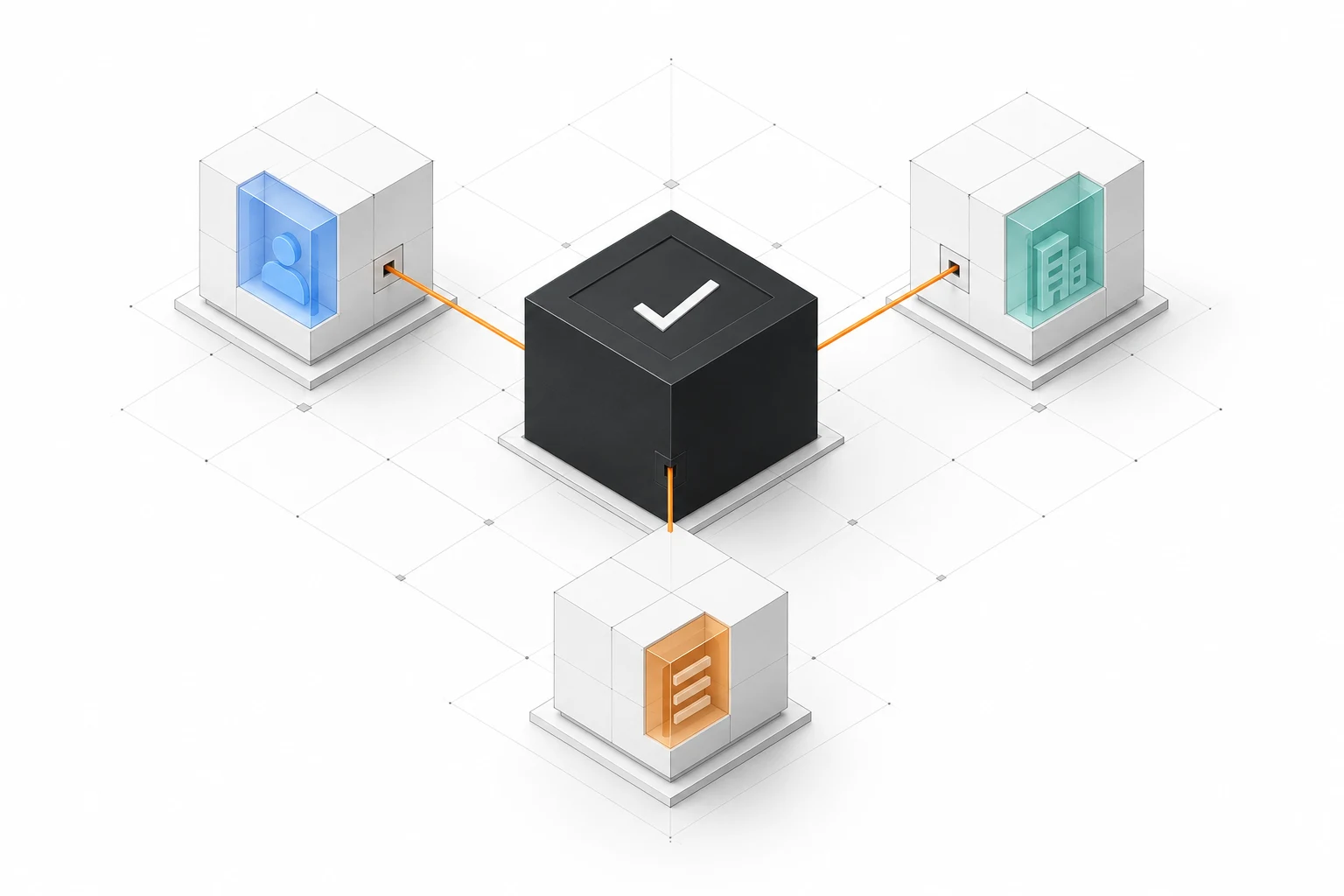
Define your records. Connect your work. Keep your team in control.
Add text, numbers, dates, yes/no fields, and selections to contacts and business records. Capture the details that matter to your work.
Define viewings, follow-ups, or maintenance requests. Give each action its own fields, status, and linked contacts or records.
Choose columns and filters to see pending actions, relevant contacts, or matching records. Every view uses the same underlying information.
Give your agent company knowledge and instructions for handling business messages. Define what it can update, which actions it can perform, and when it should ask.
See the linked records, status, and change history. For agent-created actions, open the WhatsApp conversation that started the work.
Correct a record, manage an action, pause automation, or take over a conversation. Connected operations follow your permissions and business rules.
A customer reorders on WhatsApp. The agent uses their history, checks stock,
and creates the order and invoice through connected tools. Your team sees what needs attention next.
Orderproof agentUses your knowledge, records, and tools.Open the original WhatsApp conversation alongside its linked records.
Booking, billing, and stock changes depend on connected tools and the permissions you set.
Correct records, pause automation, and take over conversations.
One configurable collection per workspace.
Here are three ways to use it.
Capture a buyer’s budget and preferred location, match a property, and track their viewing request.
Turn product requests into linked business actions. Use connected tools for order, invoice, stock, and delivery operations.
Keep vehicle details and maintenance requests together, with each action linked to the vehicle it concerns.
Orderproof is an AI business workspace built around WhatsApp conversations, contacts, business records, and actions. You define the information to collect and the work to track. The agent uses that structure to update records and create the next step. This preview shows the product we’re building.
Depending on your configuration, the agent can find and update records, create or update actions, and use connected tools for operations such as orders, invoices, stock, or delivery. It can also answer using your company knowledge and ask for missing details. Each operation follows your permissions and the connected tool’s rules.
Orderproof is designed for teams that use WhatsApp to run customer and business operations, from record updates and follow-ups to connected order and delivery work. Examples include property businesses, product sellers, and businesses managing vehicles. The workspace uses your own fields and action definitions.
An entity is a business record, such as a property, product, or vehicle. Your workspace has one configurable entity collection containing many records. Name the collection and choose its fields. Contacts remain separate, and actions connect them to your business records.
The planned setup starts with naming your record collection and choosing contact and record fields. Then define your actions, add company knowledge, and connect WhatsApp. Preview a sample conversation before enabling automation.
No. Customers continue the conversation on WhatsApp. Your team uses the Orderproof workspace to see records, review actions, and manage the agent.
The agent is designed to ask for clarification when details are missing or more than one record could match. Missing details remain marked as incomplete until they are provided.
No. An action tracks a business activity. Confirming a booking, issuing an invoice, or changing stock requires a connected capability and the appropriate permissions. A pending viewing request is not a confirmed appointment.
The planned workspace lets your team inspect an action’s source conversation and history, correct records, manage actions, pause automation, and take over a conversation. The agent works within your configured permissions and existing business rules.
This site shows Orderproof’s product direction using sample data. The configurable records, actions, and workspace agent shown here include planned capabilities. Contact us to discuss your use case and confirm which capabilities are available today.
Tell us what you manage and how your customers use WhatsApp.
We’ll discuss how Orderproof could fit and what’s available today.